
The Unicorn blog
A practical checklist for accessible contact forms
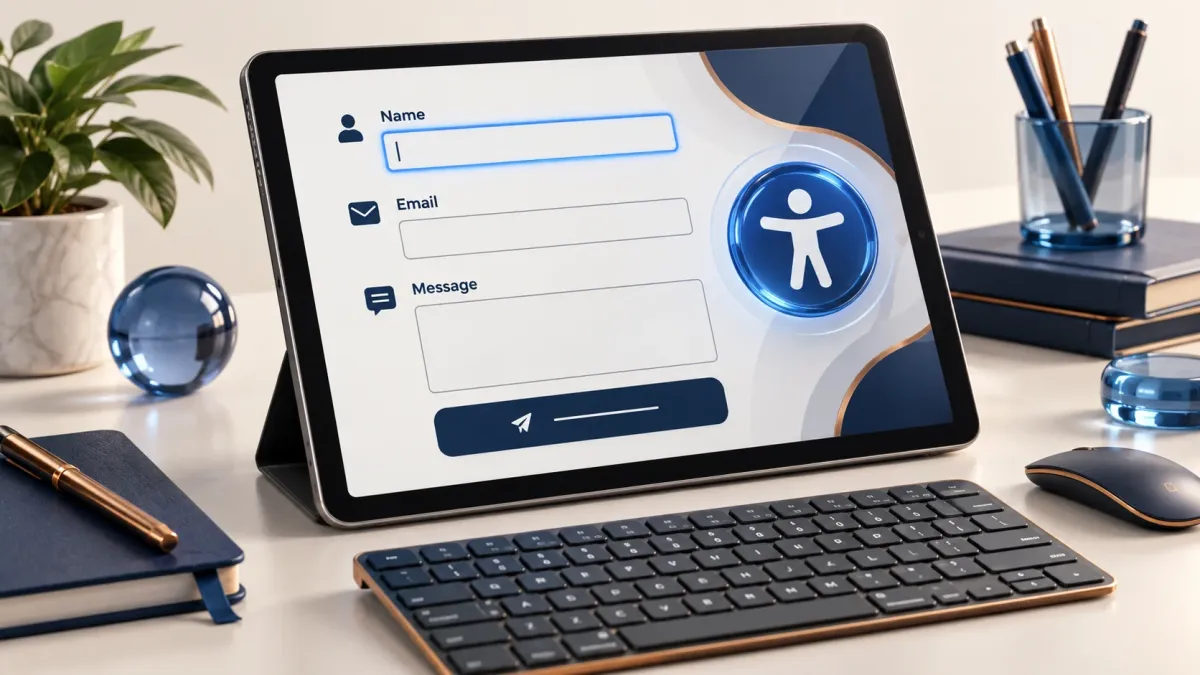
A contact form is often the point where a website turns interest into a conversation. People may arrive using a keyboard, a screen reader, a small screen, or an unreliable connection. Designing for those situations makes the form more useful and gives you a better chance of receiving a complete, understandable enquiry.
Ask only what you need to respond
Start with a name, a reply address, and enough context to understand the request. Every extra required field needs a reason. If a question is optional, say so clearly. Avoid forcing visitors to choose a detailed technical category when they may not know which service they need.
Use visible, connected labels
Give each input a descriptive label and connect it to the field in the markup. Placeholder text can provide an example, but it should not be the only explanation. Put format instructions near the field and keep the language direct. W3C guidance explains how labels support people using assistive technology.
Make problems easy to correct
When validation fails, identify the affected field and explain what needs to change. Keep the information the person already entered. Test an empty submission, an invalid email address, and text near any length limits. A generic message at the top is not enough if the visitor cannot find the problem.
Check the complete keyboard journey
Move through the form using Tab, Shift+Tab, and the keyboard controls appropriate to each input. Confirm that focus is visible and the order makes sense. Open any conditional fields, correct an error, and submit again. Include the confirmation state in the test, not just the initial form.
Confirm receipt without overpromising
After a valid submission, clearly state that the enquiry was received. If you send an acknowledgement, use an honest message without inventing a response deadline. Separately verify notification delivery and access to stored submissions; a success message alone does not prove that staff received the email.
Further reading: official guidance.
Make the next step practical
Have a question about your own platform? Talk about your website and tell us what you would like to improve.